









A normal alarm
One gesture, no attention
- Stops on a single swipe or tap
- Can be dismissed without opening both eyes
- Snooze is free, so it gets used
- Nothing checks whether you are actually up
Puzzle alarm clock for iPhone
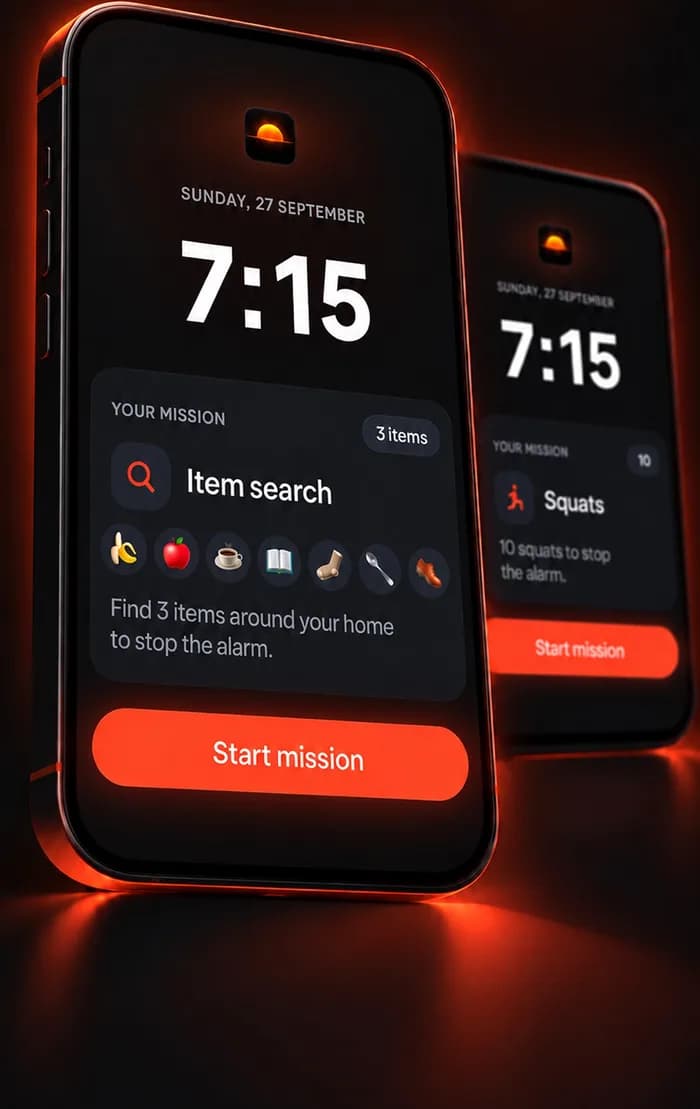
WakeOps keeps your alarm coming back until you finish a mission: find three things around the house, dance for twenty seconds, do ten squats or solve a puzzle. Swiping it away doesn't count.
Free to download for iPhone (iOS 17.6 or later). Setting alarms needs WakeOps Premium, an in-app subscription. Every mission can be tried for free.
The autopilot snooze trap
Dismissing a normal alarm takes one gesture and no attention. That is why it happens without you remembering it, and why a louder ringtone changes nothing.
You swipe it away without lifting your head. One gesture, no decision.
Muscle memoryA few more minutes. The second alarm is now negotiable, and so is the third.
BargainingYou stop registering them. Later you will be certain the phone never rang.
No memory of itRushed, behind, and starting the day on the back foot. Again.
The costA normal alarm asks whether you're awake.
WakeOps makes you prove it.
There is no snooze button. The alarm stops when the mission is done.
Three steps
Pick a time, the days, and a sound: the iPhone's own alarm sound, one of 70 original tones, or a clip of your own.
Choose what has to happen before it stops. Or chain up to five missions in a row.
The alarm comes back until the mission is done. Locking the phone, closing the app or pressing Stop doesn't count.
Every mission has a free “Try it now” rehearsal, so the first time you meet it is not at 6am.
19 missions
Move missions get you out of bed. Find missions send you to another room. Think missions work in the dark and in a shared bedroom. Voice missions wake your voice up too.
The camera has to see the thing you were sent for, in another room.
Counted by the camera or the motion sensor. You finish on your feet.
Screen only. Quiet, works in the dark, needs no permission.
Said out loud and judged on your iPhone. Nothing is recorded.
Hold to confirm. A first step, not a solution.
Item search
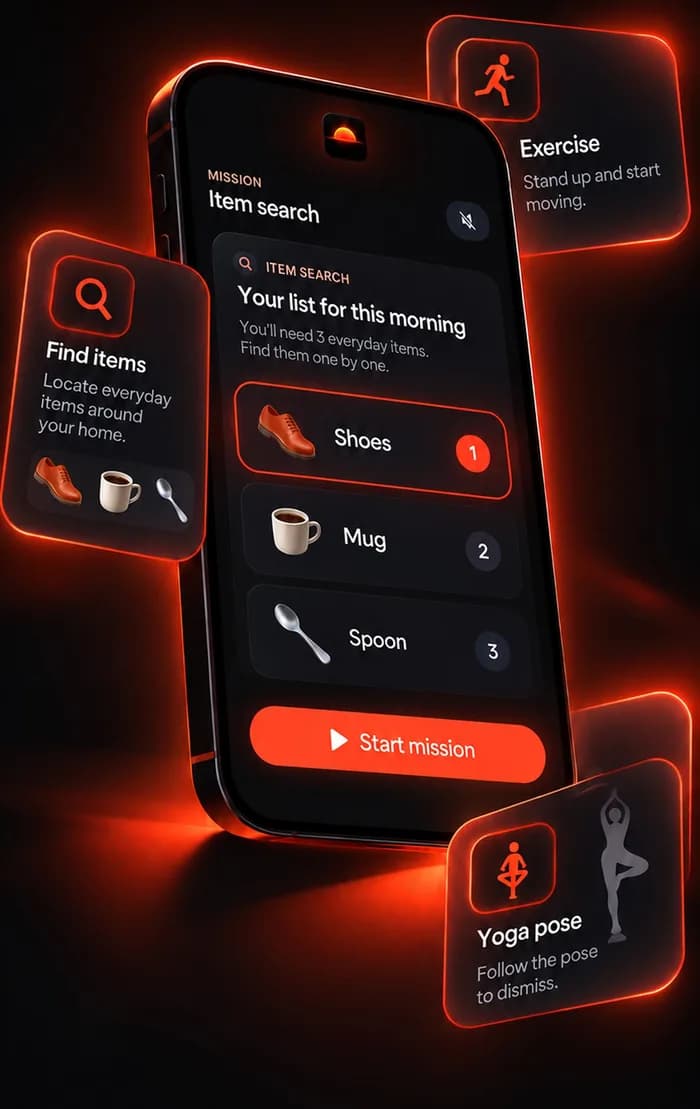
A reel spins and picks something from the things you put in play: a mug, a spoon, your shoes, the bathroom sink. Find it, point the camera at it, and the next reel spins. There are 216 everyday items in 11 groups, recognized on your iPhone.
Move
When your head isn't available yet, your body still is. The camera counts what you actually do, and only the real movement counts: no half squats, no waving one hand.
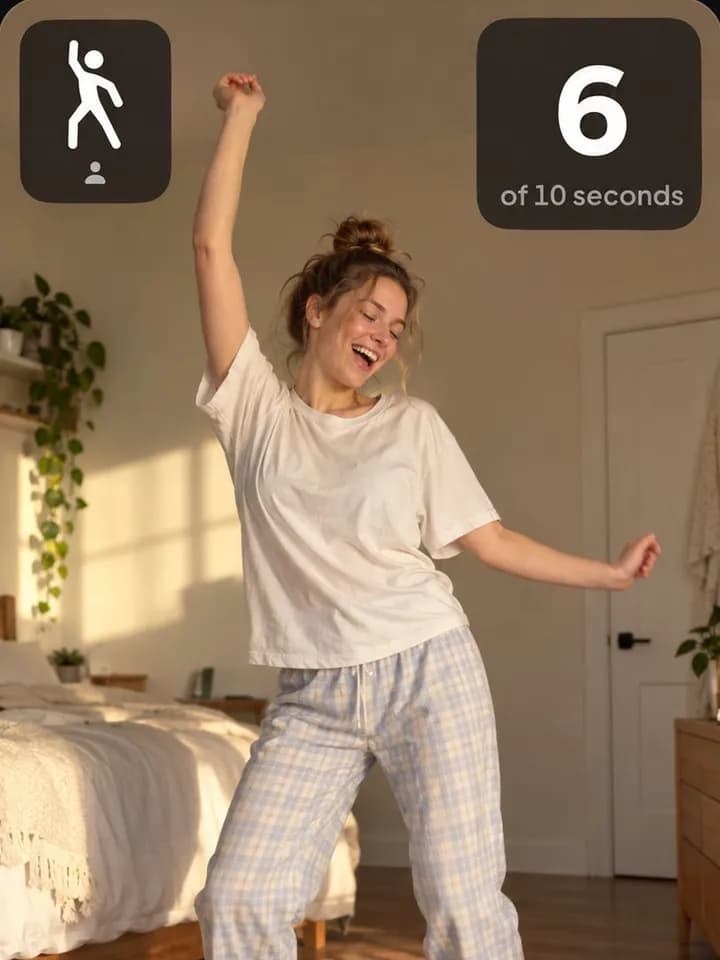 DanceArms and legs, for 10 to 30 seconds. The camera counts every second you're really moving.
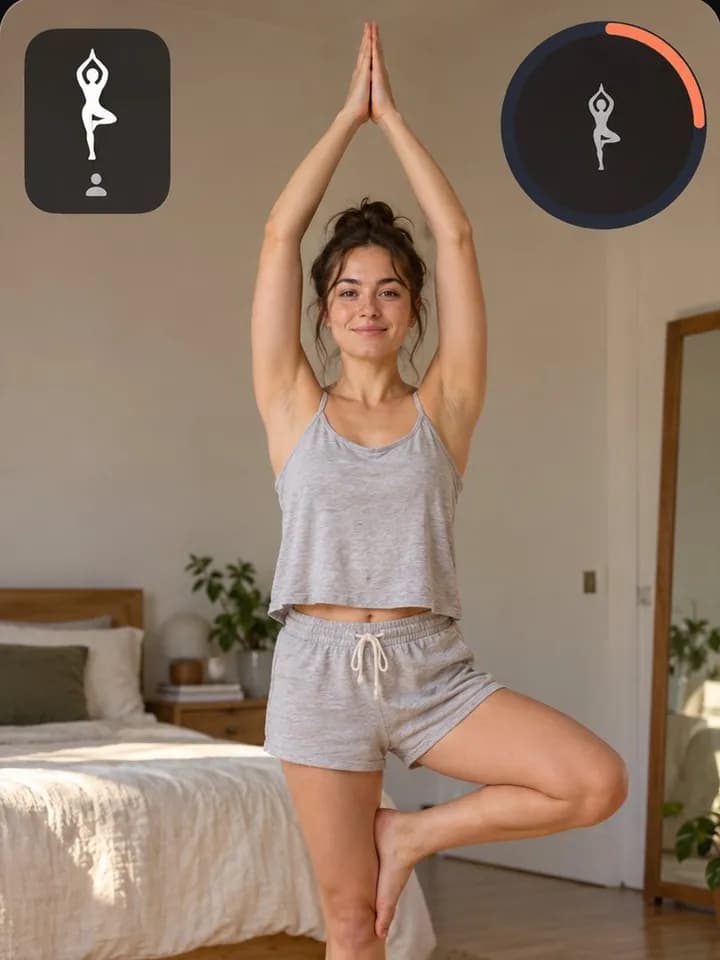 YogaGet into tree pose, warrior II or one of six more. It counts the moment the camera sees it.
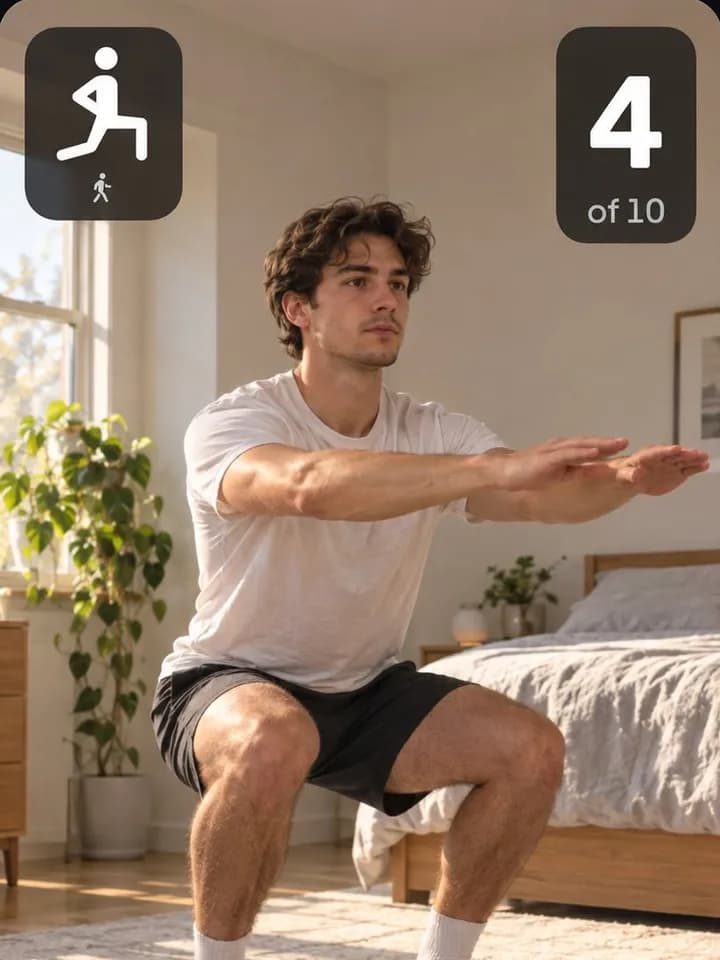 Squats and push-upsReps counted on screen, only on the full movement. Or hold a plank.
No room to move? Steps counts the walk to the kitchen, even in a dark room.
Physical missions mean exertion soon after waking. If you have an injury or any doubt about exercising, pick a Think mission instead.
Think
There is no muscle memory for arithmetic. These missions replace the dismiss button with something you have to be present for, and they need no camera, no microphone and no light.
Closing the loopholes
Up to five missions in a row, like Item search and then Math. Only the last one stops the alarm.
Won the mission and crawled back in? An optional second alarm 5, 10 or 15 minutes later asks for one quick sum.
Seven moods from Classic to Annoying on purpose, or trim a video from Photos into a 10 to 25 second alarm sound.
Optional and off until you turn it on: camera missions become a short clip of you winning the morning, kept on your phone.
The Progress tab counts the mornings you won and shows the week at a glance.
English, Spanish, German, French and Japanese, chosen in the app.
Who this is for
If a normal alarm sound were enough, it would have worked years ago. These are the four patterns WakeOps was designed around.
You wake up later certain the alarm never rang. One gesture is not enough to remember.
The alarm reaches you, you dismiss it, and you are asleep again inside a minute.
The first alarm taught you the rest are optional. The last one is the only real one.
You made it out of bed. Ten minutes later you are back in it and the alarm is long gone.
The difference
One gesture, no attention
The alarm stops when the mission does
On your device
There is no account. Alarms, history and photos stay on your iPhone. Camera frames are analyzed on the device and discarded, and voice missions never record audio. The app sends anonymous usage data, which one switch in Settings turns off.
Guides
Practical answers first: why alarms fail, how to stop snoozing, and how to get out of bed and stay out.
A task the alarm requires before it stops. Not a confirmation prompt but an action: finding three things around the house, dancing in front of the camera, walking a set number of steps, or solving arithmetic. Until it is done, the alarm keeps coming back.
WakeOps is free to download, and every mission can be tried for free with “Try it now”. Setting alarms needs WakeOps Premium, an in-app subscription. The App Store shows the current price for your country before you buy.
On iOS 26 and later, yes: WakeOps alarms are system alarms, the same kind the Clock app uses, and they ring through silent mode and Focus. On iOS 17.6 to 18, alarms are Time Sensitive notifications, which get through Focus but stay silent when the Ring/Silent switch is on silent. Leave the ringer on there.
Closing the app, locking the phone or pressing the system Stop button doesn't finish the mission, so the alarm comes back, for up to 30 minutes. It is not impossible to escape, and nothing on an iPhone is, but escaping is no longer free, and the half-asleep version of you is not the one who goes looking for loopholes.
The lightest one you cannot complete lying down. Item search, Steps and Dance all end with you out of bed. If you share a room, try Math or Type it out. The mission picker asks four questions and suggests one.
Your alarms, history and photos stay on your iPhone, and there is no account. Camera frames are analyzed on the device and discarded; voice missions never record audio. The app sends anonymous usage data and crash reports, which you can switch off in Settings. The privacy policy has the detail.
Set a backup alarm as well. Any phone alarm can fail: a flat battery, a muted phone on older iOS, a missing permission. That is true of every alarm app, and it matters most exactly when oversleeping does.
Set an alarm that does more than make noise.
Free to download for iPhone (iOS 17.6 or later). Setting alarms needs WakeOps Premium, an in-app subscription. Every mission can be tried for free.
Any phone alarm can fail: a flat battery, a muted phone on iOS 18 or earlier, or a missing permission. For anything that really matters, set a backup alarm too.